Your story deserves a studio,
not five browser tabs.
OpenPlot AI is a free, open-source writing studio with an AI chat that works with any provider — including fully local models. Your data never leaves your machine.
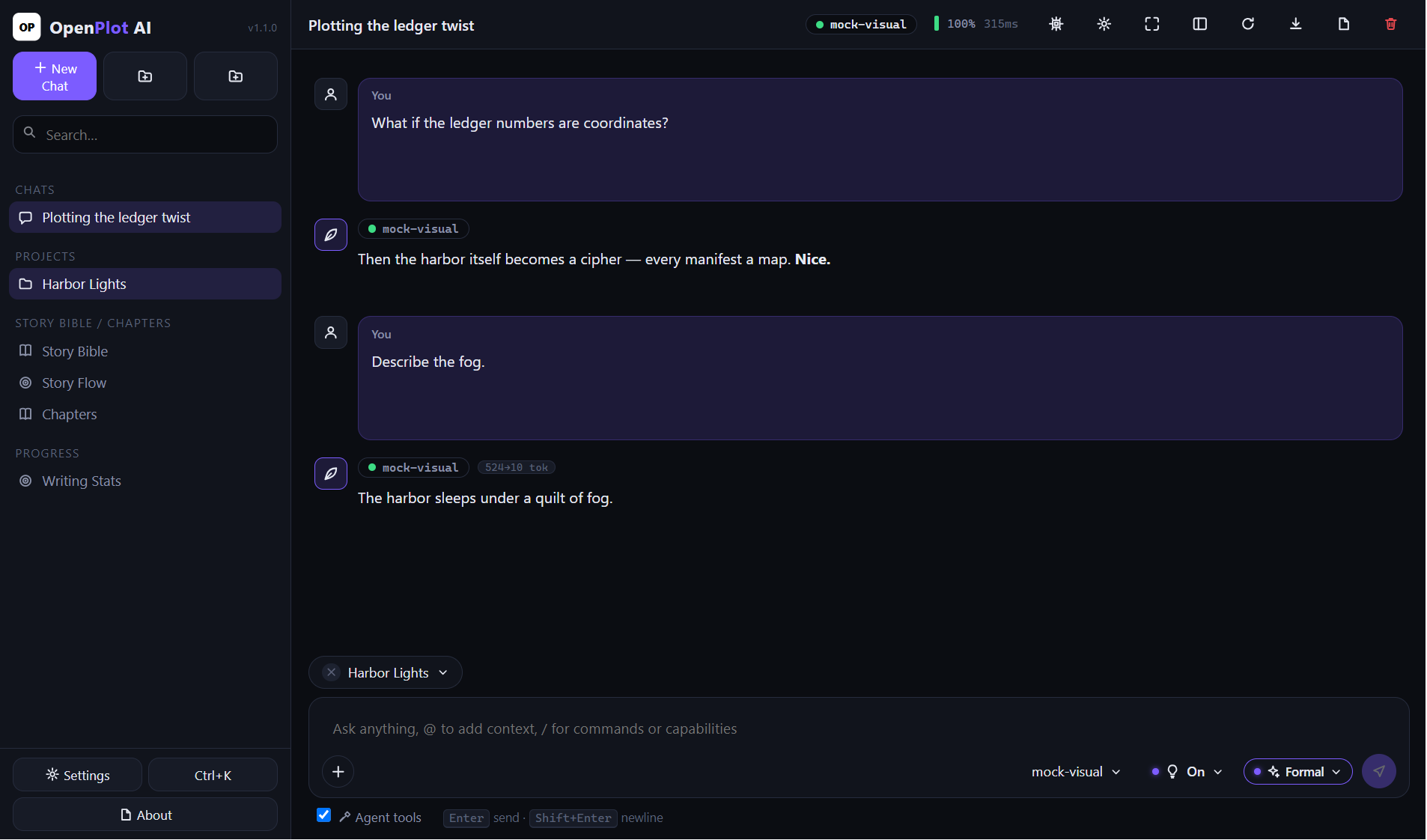
OpenPlot AI is a free, open-source writing studio with an AI chat that works with any provider — including fully local models. Your data never leaves your machine.
OpenAI, Anthropic, OpenRouter, Groq — or fully local via Ollama and LM Studio. Bring your own key; it is encrypted with the OS credential vault.
Worlds, characters, items and lore — tagged, searchable and linked. @-mention any entry to pull it into the AI's context.
Draft/revising/done statuses, focus mode, and version history that snapshots before every AI edit (30 kept per chapter).
A three-act outline board tied to chapters, plus daily goals, streaks and a 90-day heatmap that keep you writing.
Whole-project export to Markdown, plain-text manuscript or EPUB — assembled locally, no external service.
Local SQLite storage. No account, no cloud, no telemetry. Open source under the MIT license.
Reply styles, file attachments with drag & drop, per-message token usage, four new agent tools, pinned chats and a zen mode — plus safer key validation against misbehaved endpoints.
The button above picks the right installer for your operating system automatically. Prefer to choose manually? All assets:
| Platform | Installer | Portable | |
|---|---|---|---|
| Windows | Setup .exe | .zip | |
| macOS (Intel + Apple silicon) | Universal .dmg | Universal .zip | |
| Linux | .AppImage | .tar.gz |
macOS builds are unsigned — if Gatekeeper complains, right-click the app and choose Open the first time.
Install. Run the installer for your OS (or extract the portable archive). No account needed.
Connect a provider. Settings → AI Providers. Paste a key for a hosted API, or point to localhost for Ollama / LM Studio.
Write. Create a project, add story-bible entries, and start chatting or drafting chapters.